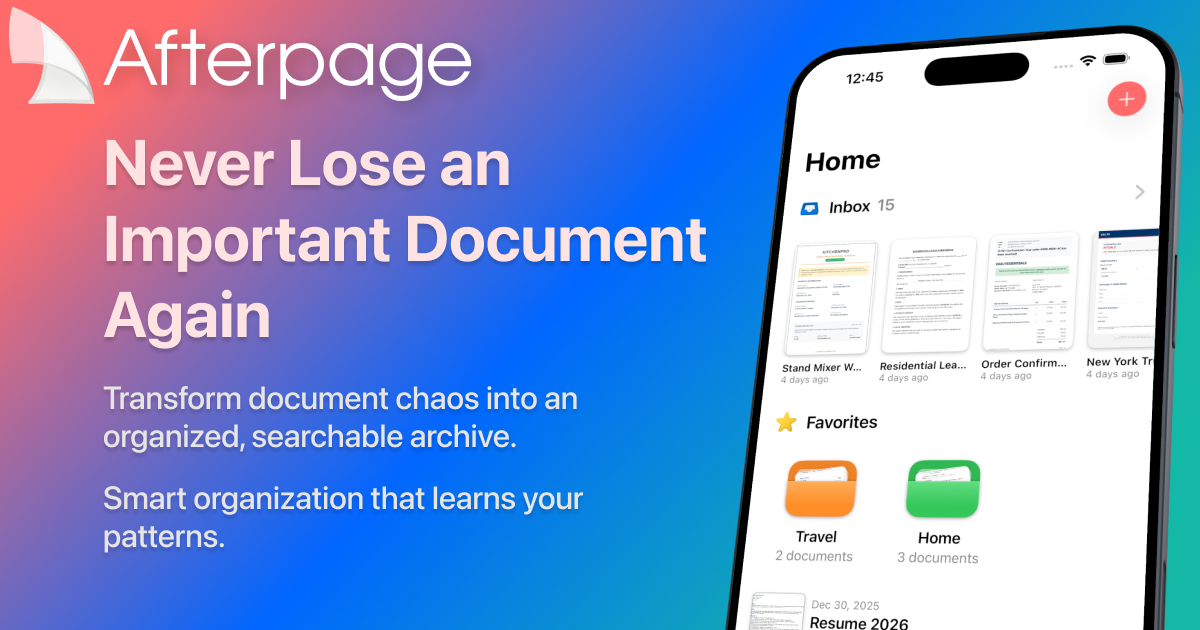
Afterpage is an intelligent document archive that learns your patterns to organize, search, and find anything instantly. It transforms document chaos into a searchable archive with on-device processing.
Afterpage is an intelligent document archive designed specifically for iPhone and iPad users who struggle with managing the growing clutter of digital documents in their daily lives. It serves not merely as a scanner but as a comprehensive document management system that learns from user behavior to organize, search, and find any important file instantly. The category is personal document management with a strong emphasis on intelligent automation and on-device privacy. This product is ideal for anyone from busy professionals to students who want to transform their scattered receipts, contracts, and notes into a structured, searchable library. Its core value lies in eliminating the panic of lost documents by creating a smart archive that adapts to each user's unique filing habits without requiring manual effort.
Afterpage directly addresses the concrete problem of document disorganization that affects nearly everyone. Receipts stuffed in drawers, contracts buried in email threads, and tax forms scattered across multiple devices create a chaotic landscape where finding a critical document when needed becomes a frantic search. This pain point is especially acute during tax season, business audits, or when a key contract needs review. Afterpage solves this by centralizing all documents into a single, searchable archive that lives on the user's own device. The result is peace of mind: users know exactly where every document is and can retrieve it in seconds. No more digging through piles or riffling through inboxes.
The first major feature group is Smart Organization, which uses on-device artificial intelligence to learn a user's filing patterns over time. As users manually organize documents by adding custom tags, selecting document types such as receipt or contract, and associating contacts, Afterpage begins to recognize these patterns and proactively suggests similar classifications for new incoming documents. This learning process becomes more accurate with each document processed, effectively automating the categorization workflow and reducing the time spent on manual filing. The benefit is a self-organizing archive that requires minimal ongoing input. Users can trust that their documents are automatically sorted into the right folders and tagged appropriately, making future retrieval effortless and intuitive.
The second major feature group is on-device Text Recognition, powered by Apple's Vision framework, which extracts text from every document without sending data to external servers. This OCR capability enables full-text search across all archived documents, allowing users to find any document by searching for a word or phrase contained within, whether it's a receipt amount, a contract clause, or a note. Additionally, users can filter results by tags, document types, and contacts to narrow down searches. This combination of optical character recognition and metadata filtering turns the archive into an incredibly powerful reference tool. Because processing happens entirely on the device, searches are fast and private, requiring no internet connection. Users can find documents instantly, even offline.
Publisher
A
admin
Launch Date2026-02-09
Platformmobile
Pricingfreemium
Domain Authority
Ahrefs DR0/100
Traffic Insights
Month2026-01
Estimated Visits0
MoM Visits GrowthN/A(+0)
Avg Time on Site0s