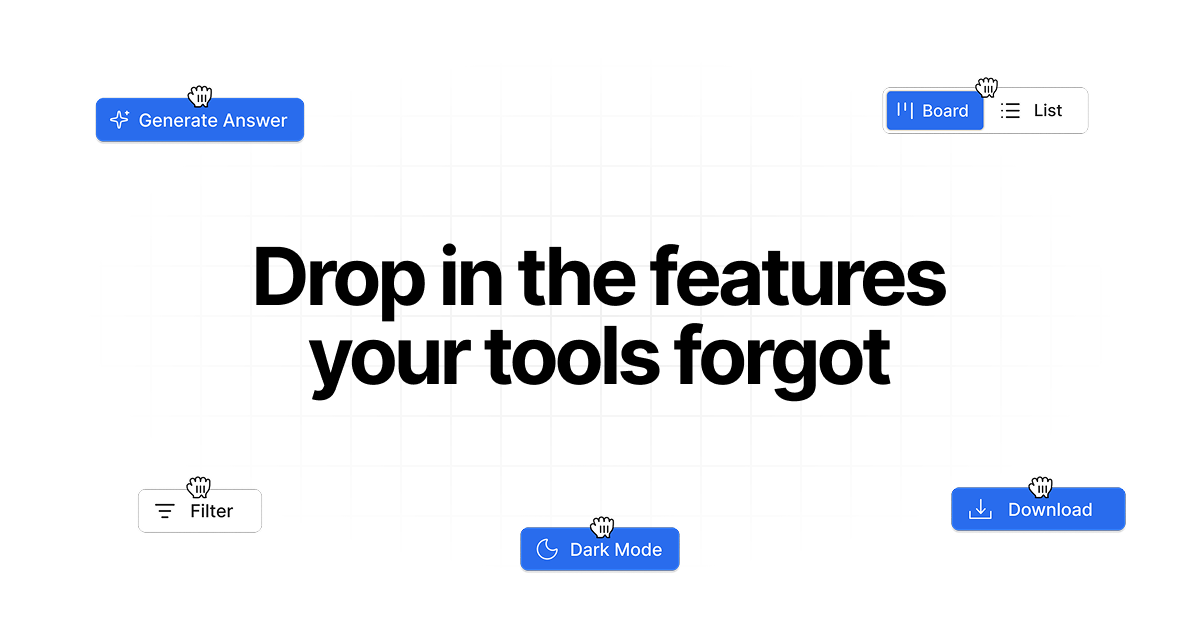
Drop in is an innovative Chrome extension designed to empower users by adding custom features, smart workflows, and integrations directly into any web application they use. It serves professionals across sales, support, and productivity roles who need to enhance their daily tools without waiting for official updates or learning complex development. The primary purpose is to bridge the gap between the static functionality of existing web apps and the dynamic, personalized needs of modern workflows, allowing users to describe a missing feature and see it materialize instantly within the application's interface. This tool transforms the browser from a passive viewer into an active, customizable workspace, fundamentally changing how individuals and teams interact with their software ecosystem.
Many professionals face the frustrating limitation of using web applications that lack specific features crucial for their efficiency. Teams often rely on a patchwork of tools like HubSpot, LinkedIn, Slack, and Google services, but these platforms rarely integrate seamlessly or offer every needed capability out-of-the-box. The pain point is acute: users must constantly switch between tabs, manually copy data, or use clunky workarounds, which drains time and increases error rates. This problem is compounded by the slow pace of feature requests to software vendors, leaving teams stuck with suboptimal processes. Drop in directly addresses this by putting customization power in the hands of the user, eliminating the wait and dependency on third-party developers for essential workflow improvements.
The first major feature group is the ability to add custom visual elements and controls directly into any web page. This includes buttons, panels, toggles, and information cards that appear as if they were native parts of the application. For instance, users can add an 'Export Conversation' button to ChatGPT or a 'HubSpot Lookup' button to LinkedIn profiles. The system works by allowing the user to describe the desired feature in plain language, and the AI interprets this to generate the necessary code that injects the element into the Document Object Model (DOM) of the page. This matters because it enables immediate visual customization without requiring any knowledge of HTML, CSS, or JavaScript, making powerful web modification accessible to non-technical users for the first time.
The second major feature group revolves around creating smart workflows and automations that connect different web applications. Users can build integrations that, for example, capture business details from a Google Maps profile and send them automatically to an Airtable base, or check if a LinkedIn contact exists in a HubSpot CRM. These workflows are triggered by user actions within the browser and can manipulate data across sites. The feature works by listening to page events and executing predefined sequences of actions, such as data extraction, API calls, and form filling. This is significant because it turns disparate web apps into a cohesive, automated system, drastically reducing manual data entry and the cognitive load of managing multiple platforms simultaneously.
admin
A third critical capability is the provision of AI-powered assistance and contextual suggestions within web applications. This includes features like smart reply suggestions in messaging platforms like Slack or LinkedIn, where the system analyzes the conversation and offers relevant, click-to-insert response options. Another example is an AI-powered 'Generate Answer' button that can provide contextual help. These features work by leveraging language models to understand the page content and user intent, then generating appropriate UI enhancements. This capability matters because it embeds intelligence directly into the workflow, helping users communicate more effectively and complete tasks faster without leaving their current context, thus enhancing productivity and consistency in communications.
Technically, Drop in operates as a Chrome extension that adds a visual layer on top of existing web applications. It does not change the underlying source code of the original apps. The extension uses a combination of natural language processing to interpret user requests, and then generates and injects JavaScript, HTML, and CSS to create the new features. Users control what data a feature can read and modify, with permissions granted per site. The system can keep most operations local within the browser, only sending data to external servers when a specific feature requires it, such as to call an external API. This architecture ensures safety and user control while providing powerful extensibility.
The benefits for users are substantial and measurable. Teams can standardize improved user interfaces across their organization, ensuring everyone uses the same efficient workflows. Individual users save significant time by automating repetitive tasks like data entry and reducing context switching. The tool also reduces errors from manual processes and increases data consistency. Measurable outcomes include faster response times in communication tools, more accurate lead capture from various sources, and better tracking of activities like screen time. Ultimately, users gain a tailored software environment that evolves with their needs, leading to higher productivity and job satisfaction.
Concrete use cases illustrate the practical value. A sales professional can use the LinkedIn HubSpot Lookup feature: while viewing a LinkedIn profile, they click a button added by Drop in to instantly see if that person exists in their HubSpot CRM and view their details without switching tabs. A support agent can use Smart Reply Suggestions in Slack: when a common query arrives, they click a suggested reply, edit it slightly, and send it, ensuring fast and consistent responses. A marketer can use the Google Maps Lead Collector: when researching local businesses, a button on each map profile lets them capture the business name, address, and phone number directly into their Airtable database with one click.
The target users are professionals in sales, support, marketing, and operations who use web applications like HubSpot, LinkedIn, Slack, Google Workspace, ChatGPT, and Airtable. It is built for individuals and teams looking to optimize their workflows without coding. The product integrates with any web app that runs in a browser, with initial optimization for popular tools. The tech stack involves a Chrome extension utilizing modern web technologies. Pricing includes a free tier to try the service, with paid plans that unlock more advanced features, higher usage limits, and team management controls for sharing and standardizing features across an organization.
In summary, Drop in fundamentally shifts control from software vendors to the end-user, allowing anyone to mold their digital tools to fit their exact workflow needs. By combining simple natural language commands with powerful browser extension technology, it removes the traditional barriers to software customization. The primary value is empowerment: enabling professionals to build the features they need, when they need them, directly into the applications they use every day, thereby creating a more efficient, integrated, and personalized digital work environment that drives tangible productivity gains.
Drop in is built for professionals in sales, support, marketing, and operations who rely on web applications like HubSpot, LinkedIn, Slack, Google Workspace, and Airtable. It targets individuals and teams frustrated by missing features or poor integrations in their daily tools. These users seek to optimize workflows without learning to code, wanting to automate repetitive tasks, reduce context switching, and standardize processes across their organization. The tool is ideal for anyone needing to bridge functionality gaps between the web apps they use to become more productive and efficient.
Updated 2026-02-28