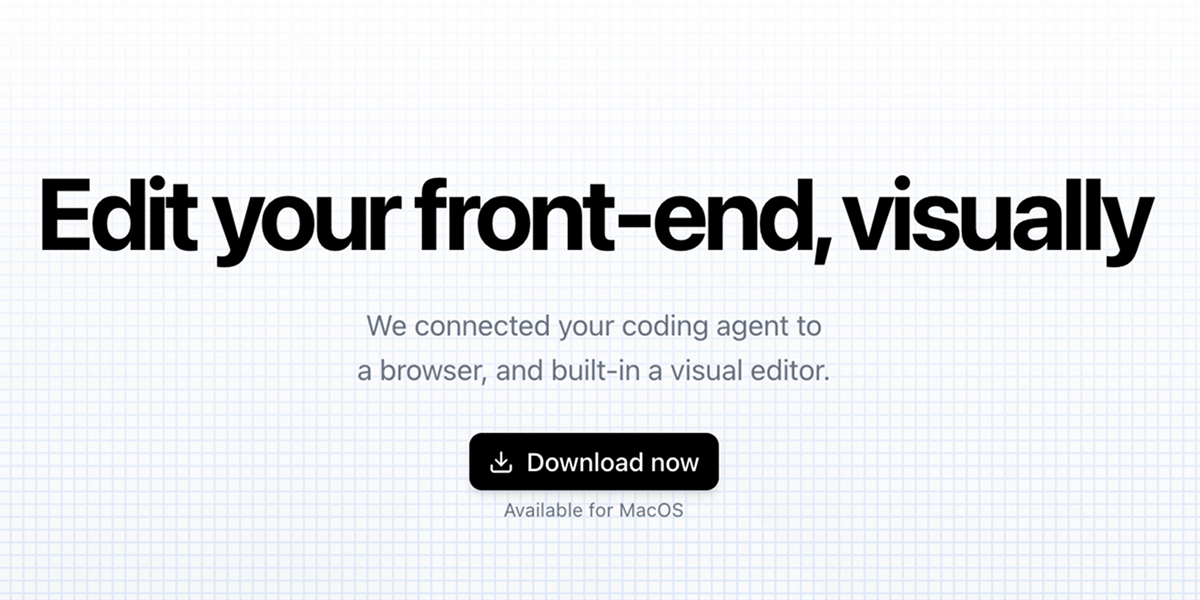
Inspector serves as a visual layer for your codebase, functioning as a bridge between traditional coding environments and modern AI-assisted development workflows. It is designed for developers and designers who work with front-end frameworks, particularly React, Next.js, or Vite applications, and who utilize AI coding agents to accelerate their development process. The primary purpose of Inspector is to enable visual editing of user interface elements directly within a live application view, translating those visual manipulations into precise code changes that are saved back to the local source files. This eliminates the disconnect between what is seen in the browser and the underlying code, allowing for rapid iteration and experimentation without constantly switching contexts between an IDE and a browser window. By integrating with AI agents, it supercharges the feedback loop, letting developers describe changes or use visual cues to instruct AI to write the corresponding code, thereby merging intuitive design adjustments with robust code generation.
The fundamental problem Inspector addresses is the cumbersome and often slow workflow involved in front-end development, where developers must mentally map visual elements to their corresponding code lines, make edits in a text editor, refresh the browser to see changes, and repeat this cycle endlessly. This context switching is a significant productivity drain and a source of frustration, especially when fine-tuning layouts, spacing, or text content. For teams using AI coding assistants, there's an additional layer of abstraction; describing UI changes textually to an AI can be imprecise and time-consuming. Inspector solves this by providing a direct, visual connection to the codebase, making the UI itself the editing interface. It tackles the pain point of iteration speed, allowing developers to click, drag, and type changes directly onto the rendered page, with the confidence that those changes will be accurately and safely written to the correct files in their project.
One of Inspector's major feature groups is its visual editor for the codebase, which allows users to move any element on the page visually. Users can simply click and drag components, adjust their positioning, and then apply those changes, which are then automatically saved to the underlying codebase. This works by Inspector linking visual elements to their exact line of source code, creating a bidirectional connection between the rendered UI and the code that generates it. When an element is moved, Inspector calculates the necessary CSS or style property adjustments and writes them directly into the component files. This feature matters because it empowers developers with a designer-like tool for layout tweaking without sacrificing code quality or control, enabling pixel-perfect adjustments that are immediately reflected in the source, thereby closing the gap between design intent and implementation.
admin
Another core feature group is its deep integration with AI coding agents like Claude Code, Codex, and Cursor. Users connect their accounts directly within Inspector, allowing the visual context of the application to inform AI-generated code changes. For instance, a developer can select an element, take a screenshot, or leave a comment describing a desired change, and this rich visual context is provided to the connected AI agent to generate the appropriate code modifications. This integration transforms the AI from a purely text-based assistant into a visually-aware collaborator. It matters because it leverages the strengths of AI for code generation while grounding its instructions in the specific, visual reality of the application, leading to more accurate, relevant, and contextually appropriate code suggestions that directly address the UI being worked on.
Inspector offers additional powerful capabilities such as direct text editing and page-aware screenshot functionality. Users can double-click on any text displayed on the page to edit it inline, and upon saving, that text change is propagated directly to the corresponding string or variable in the codebase. The screenshot tool is uniquely intelligent; it can snap to any element on the page, capturing precise, component-aware images that are ideal for providing visual context in bug reports, documentation, or AI prompts. Furthermore, Inspector connects to GitHub, enabling users to create branches, commit their visually-made changes, and publish pull requests directly from the application, streamlining the entire development-to-deployment workflow without ever leaving the visual editing environment.
Technically, Inspector works by running as a local application on the user's machine, connecting directly to their local codebase. It acts as a specialized browser or rendering engine that maintains a live link between the DOM elements of the running application and the source code files on disk. When a project is opened, Inspector parses the code, likely focusing on React component structures, to build a map of elements to their source locations. As the user interacts visually, it monitors these interactions, computes the delta between the current and desired state, and formulates the precise code edits needed. These edits are then written back to the source files, and the view is updated in real-time or near real-time, creating a seamless live-editing experience.
The benefits and measurable outcomes for users are substantial increases in development speed and a reduction in cognitive load. Developers can iterate on UI designs and copy changes orders of magnitude faster than the traditional edit-save-refresh cycle. The visual context provided to AI agents leads to higher first-pass accuracy in generated code, reducing the time spent on corrections. Teams can ship features faster because the feedback loop for front-end adjustments is dramatically shortened. Designers gain the ability to directly influence production codebases in a controlled manner, fostering better collaboration between design and engineering. Ultimately, it makes the process of front-end development more intuitive, fluid, and aligned with how humans naturally want to manipulate visual interfaces.
Concrete use cases are plentiful. A developer refining a landing page can drag a hero section vertically, edit its headline text by double-clicking, and have all changes saved instantly. A team using an AI agent can take a screenshot of a misaligned button, attach it with a comment asking for a fix, and the AI, using Inspector's context, can generate the correct CSS patch. A designer can download code from a prototyping tool like Figma Make or Lovable, open it in Inspector, and continue polishing the UI directly in code, pushing changes to a GitHub branch for review. A developer fixing a visual bug can click the problematic element, see exactly which component and line of code is responsible, and either edit it visually or instruct their connected AI to resolve it, all within a single, unified workflow.
The target users are primarily front-end developers, full-stack developers, and engineering teams working with React, Next.js, or Vite applications who also employ AI coding assistants. It is also highly valuable for designers who want to work closer to the final production code. Inspector integrates with AI agents Claude Code, Codex, and Cursor. Its tech stack is a local desktop application, currently available for macOS, with a waitlist for Windows. It connects to local codebases and integrates with GitHub for version control operations. Regarding pricing, the provided content does not specify any plans, suggesting it may be a free tool, a freemium model, or the information is not disclosed on the landing page. The core value proposition is enabling visual, AI-assisted editing within a local development environment.
In summary, Inspector fundamentally reimagines the front-end development workflow by making the application's UI a direct, editable surface connected to both the source code and powerful AI coding agents. It eliminates tedious context switching and empowers developers and designers to make changes in the most intuitive way possible—by interacting with the visual product itself. The primary takeaway is that Inspector merges the worlds of visual design tools and professional code editors, creating a hybrid environment where speed, precision, and collaboration are significantly enhanced, ultimately allowing teams to build and refine better user interfaces faster than ever before.
Inspector is built for front-end and full-stack developers who use modern frameworks like React, Next.js, or Vite and want to accelerate their workflow with AI coding agents like Claude Code, Codex, or Cursor. It is also highly suitable for designers who wish to work directly with production code, enabling them to make visual adjustments without deep coding knowledge. The tool targets individuals and teams frustrated by the constant context switching between browser previews and IDEs, seeking a more intuitive, visual way to manipulate their application's UI while maintaining clean, version-controlled code.
Updated 2026-02-28