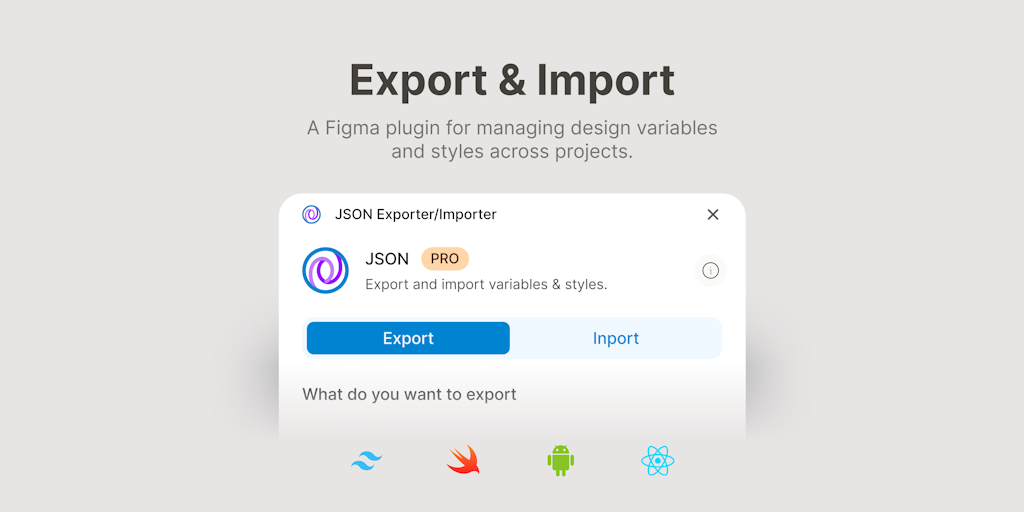
JSON Exporter/Importer is a Figma plugin that bridges the gap between design and development workflows. It allows designers to export design tokens to various code formats and developers to import tokens while preserving existing work.
JSON Exporter/Importer is a Figma plugin specifically designed for exporting and importing design variables and styles across multiple formats. It serves as a bridge between design and development, enabling designers and developers to maintain a single source of truth for design tokens. The plugin's core value lies in its ability to convert Figma’s design tokens into structured data that can be consumed by codebases, design system tools, and AI agents, thereby streamlining the handoff process and reducing manual errors. This plugin is ideal for teams that rely on Figma as their primary design tool and need to synchronize token definitions with development environments.
A common pain point in design-to-development workflows is the manual transfer of design tokens—such as colors, typography, spacing, and shadows—from Figma into code. Designers often export static screenshots or copy values by hand, leading to inconsistencies and wasted time. Developers then have to re-enter these values into CSS, JSON configs, or platform-specific files, increasing the risk of typos and drift. JSON Exporter/Importer eliminates this friction by allowing direct export of Figma variables and styles into formats that codebases natively understand. This not only ensures accuracy but also enables version control of design tokens, making it easier to track changes over time and maintain cross-platform consistency.
The first major feature group centers on exporting design tokens to JSON-based formats, specifically DTCG (Design Token Community Group), Tokens Studio, and Style Dictionary. These are industry-standard schemas used by design system platforms to define and manage tokens centrally. The plugin extracts all selected variables (colors, text styles, grid styles, effects) from the Figma file and outputs them as structured JSON objects matching the chosen schema. This is particularly useful for teams that already use tools like Style Dictionary to transform tokens into platform-specific code, as the exported JSON can be directly fed into their pipeline, eliminating the need for manual parsing or transformation.
The second major feature group expands beyond JSON to cover direct code generation for web and native platforms. Users can export tokens to CSS, SCSS, LESS, and Tailwind CSS—formats that front-end developers can immediately import into their projects. For mobile and cross-platform development, the plugin supports Swift (for iOS), Android XML (for Android), Dart (for Flutter), and TypeScript. Each output is generated using the appropriate syntax and variable naming conventions, so developers can drop the file into their codebase without modification. This eliminates the manual step of converting token values into the correct format, saving hours of effort and ensuring that the final product matches the design exactly.
Publisher
A
admin
Launch Date2026-03-01
Platformweb
Pricingfree
Domain Authority
Ahrefs DR92/100
Traffic Insights
Month2026-01
Estimated Visits84.7M
MoM Visits Growth+2.9%(+2.4M)
Avg Time on Site12m 15s