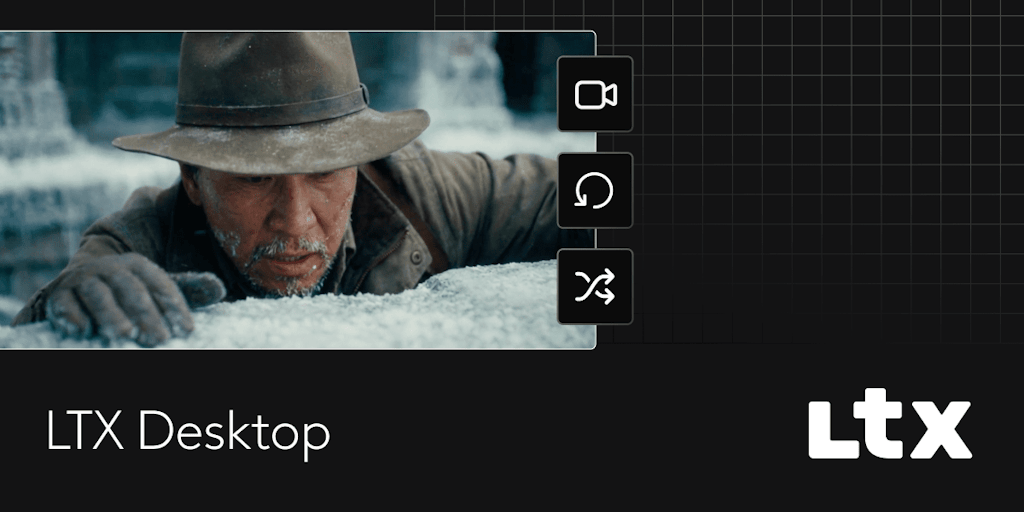
LTX Desktop combines a full non-linear video editor with on-device AI generation. It is free, open-source software that runs locally on your machine.
LTX Desktop is a free, open-source local AI video editor that integrates a full non-linear video editor with on-device AI generation. It targets video editors, content creators, developers, and privacy-conscious professionals who seek a complete production suite that runs entirely on their own hardware. Powered by the LTX-2.3 multimodal engine, it enables text-to-video, image-to-video, audio-to-video, and still image generation without any cloud dependency. The core value lies in eliminating per-generation fees and keeping all data local, giving users unlimited creative freedom and full control over their assets.
The primary pain point LTX Desktop addresses is the cost and privacy trade-off inherent in cloud-based AI video tools. Many solutions require uploading footage, charge per generation, and depend on internet connectivity. For professionals handling sensitive material—such as filmmakers working on unreleased projects or studios under NDA—this is a significant barrier. LTX Desktop solves this by running all inference locally, so no data ever leaves the device. It also removes the barrier of recurring costs, allowing users to experiment iteratively without budget constraints. This is crucial for creators who need to test multiple versions of a scene before finalizing.
The first major feature group is the Gen Space, which houses all AI generation capabilities. Users can generate videos from text prompts, transform images into videos, or create audio-driven video content. The Retake feature allows regenerating specific portions of a video non-destructively, with each new version nested inside the original clip in the timeline. This means editors can swap out performances or fix individual frames without rebuilding the entire timeline. Still image generation is handled by Z-Image Turbo, and all outputs benefit from LTX-2.3's improved detail, motion, and audio quality. The entire generation pipeline runs locally on the user's NVIDIA GPU.
The second major feature group is the full non-linear editor, which provides professional editing tools entirely integrated with AI generation. It includes trim tools like slip, slide, roll, and ripple, plus built-in transitions and primary color correction. Editors can export to H.264 or ProRes formats. The interface supports customizable keyboard shortcuts and preset layouts for Premiere Pro, DaVinci Resolve, and Avid, making the transition from existing workflows seamless. Nested clips keep AI-generated takes modular, so editors can toggle between multiple versions of a shot directly in the timeline without affecting the rest of the edit.
Publisher
A
admin
Launch Date2026-03-07
Platformdesktop
Pricingfree
Domain Authority
Ahrefs DR67/100
Traffic Insights
Month2026-01
Estimated Visits424.2K
MoM Visits Growth+655.6%(+368.1K)
Avg Time on Site46s