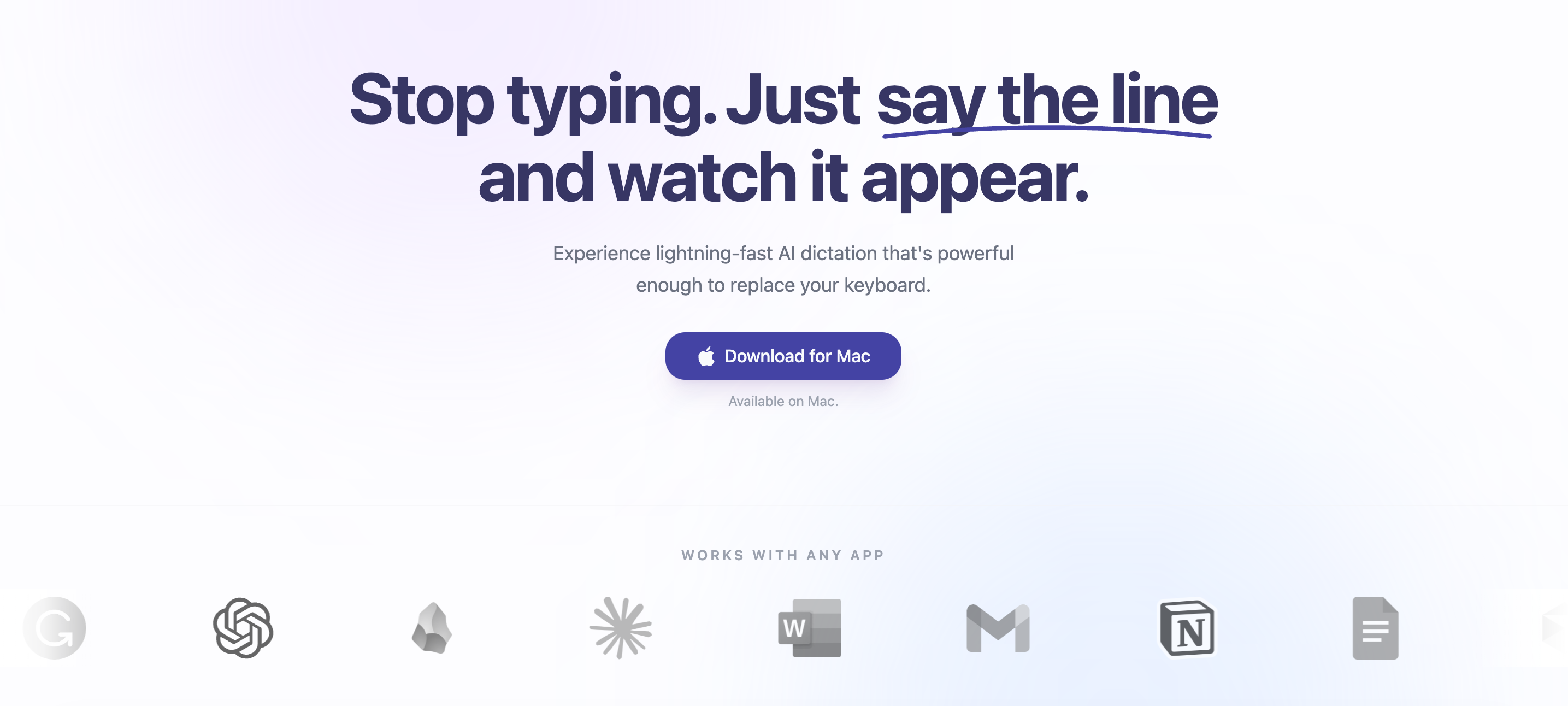
Sayline is a native macOS application that brings private, local voice dictation to any text field as a direct replacement for your keyboard. It is designed for anyone who types extensively and values speed, privacy, and ease of use. The app runs entirely on-device using NVIDIA Parakeet and MLX, delivering lightning-fast AI transcription without sending data to the cloud. Its core value is enabling users to create at the speed of thought by eliminating the bottleneck of keystrokes. With a simple hotkey activation, Sayline works seamlessly across all applications, making it an indispensable productivity booster for the modern Mac user.
Typing is inherently slow and manual, forcing your mind to translate rapid ideas into laborious keystrokes. This friction becomes especially painful in daily workflows like crafting Slack updates, composing Gmail replies, or sending WhatsApp messages — each one requiring you to stop and type. The constant switching between apps and repetitive typing drains energy and reduces output. Sayline addresses this by enabling voice input that is four times faster than typing, letting you articulate thoughts naturally without the physical constraints of a keyboard. This speed boost directly translates to reclaimed time and reduced mental fatigue, allowing professionals to focus on higher-value work rather than mechanical data entry.
The first major feature group is the simple three-step workflow that makes Sayline feel magical. Press a configurable hotkey to activate dictation, speak naturally as you would to a colleague, and watch perfectly transcribed text appear instantly in the active text field. This hotkey-triggered approach requires zero context switching — you never leave the application you are working in. Whether you are drafting an email in Gmail, writing a note in Notion, or composing a message in Slack, the same hotkey works everywhere. The result is a frictionless dictation experience that integrates so seamlessly into your existing habits you may forget you are using a dictation tool at all.
Sayline’s second major feature group is its entirely on-device AI transcription engine powered by NVIDIA Parakeet and optimized with MLX. Because all processing happens locally on your Mac, there is no need for an internet connection — the app functions fully offline without ever sending voice data to external servers. This local architecture ensures both lightning-fast response times and absolute privacy. The paid plans offer "superhuman accuracy," leveraging advanced speech-to-text models that are continuously improved through lifetime updates. Users benefit from state-of-the-art recognition without compromising their data security, a combination rarely found in competing dictation solutions that often rely on cloud processing.
admin
The third feature group revolves around uncompromised security and broad application compatibility. Sayline enforces bank-grade privacy with zero data collection, no external storage, and a strict policy that your voice data never leaves your device. This is a fundamental design choice that sets it apart from cloud-dependent dictation services. Additionally, the app is built to work with any application — users have reported using it seamlessly with Gmail, ChatGPT, Slack, Notion, Linear, Obsidian, and countless other Mac apps. This universal compatibility means you can dictate into any text field without worrying about software conflicts or limited integrations, making it a true keyboard replacement for all typing tasks.
Sayline’s overall approach is a streamlined, unobtrusive dictation system that functions as a universal keyboard shortcut. When you press the designated hotkey, the app begins recording your speech locally, processes the audio through the on-device NVIDIA Parakeet model via MLX, and then inserts the transcribed text at the current cursor position. This entire pipeline happens in real time, with no perceptible delay. There are no complex menus, no modal windows, and no uploading — just a momentary record state that ends as soon as you stop speaking or press the hotkey again. The workflow mirrors the natural rhythm of thought: you think, you speak, the text appears, and you move on.
Concrete use cases for Sayline span across professional communication and creative work. A product manager can dictate weekly updates in Slack, compose detailed project descriptions in Linear, and respond to support tickets — all without touching the keyboard. A writer can draft long-form content in Notion or Obsidian using natural speech, achieving faster output while reducing repetitive strain. Developers frequently use it to write code comments, documentation, or even prompt AI assistants like ChatGPT by voice. The outcome in every scenario is a dramatic increase in typing speed — up to four times faster — along with reduced physical fatigue and the mental freedom to focus on ideas rather than mechanics. Users consistently report reclaiming hours of their week.
Sayline is built for Mac users who rely heavily on typing: remote workers, software developers, writers, project managers, and anyone who communicates extensively through text. The app is available natively on macOS, with Windows and iOS versions coming soon. Pricing follows a pay-once-own-forever model: a free 14-day trial with a 15,000-word limit and standard accuracy, then a lifetime Individual license at $24.99 granting unlimited dictation, superhuman accuracy, and priority support. For teams, the Business plan at $49.99 covers three devices with centralized licensing and a team onboarding guide. This one-time pricing, backed by a 30-day money-back guarantee, positions Sayline as an affordable, permanent alternative to rental-based competitors like Wispr Flow and Superwhisper. The ultimate takeaway: Sayline lets you stop renting software and own your productivity tool, delivering private, local voice dictation at an unbeatable value.
Sayline targets Mac users who type extensively in their daily work, including remote workers, software developers, writers, project managers, customer support agents, and individuals with repetitive strain injuries. These users need to produce large amounts of text quickly without compromising on privacy or relying on cloud services. The product is particularly suited for professionals who use multiple apps like Slack, Gmail, Notion, and ChatGPT and want a consistent dictation experience across all of them.
Updated 2026-02-28